AI Tattoo Generator & Tattoo Ideas
Describe the tattoo you have in mind, pick a style, and get an original design concept to take to your artist.
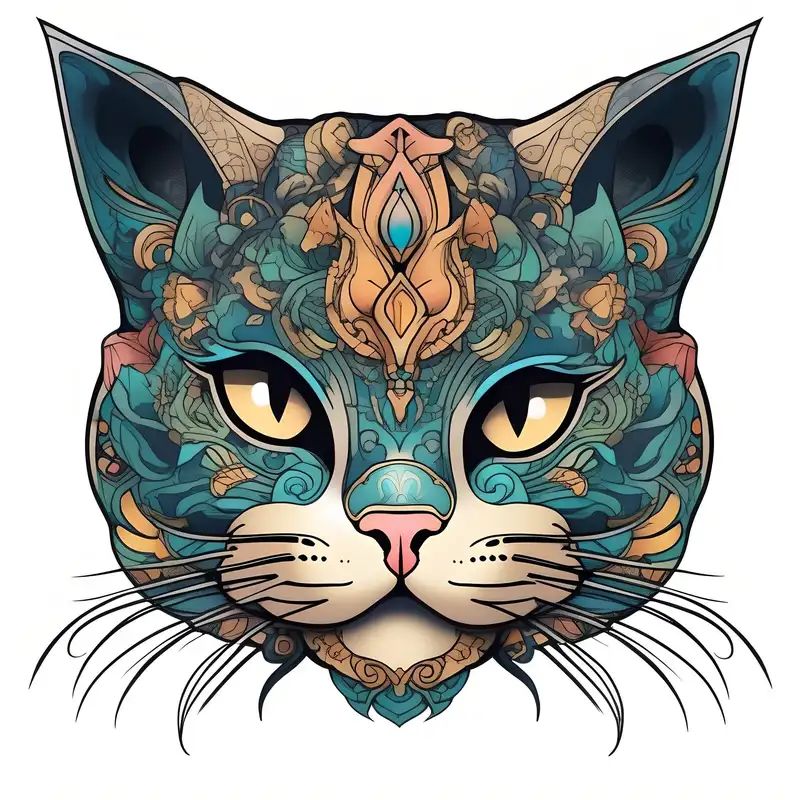
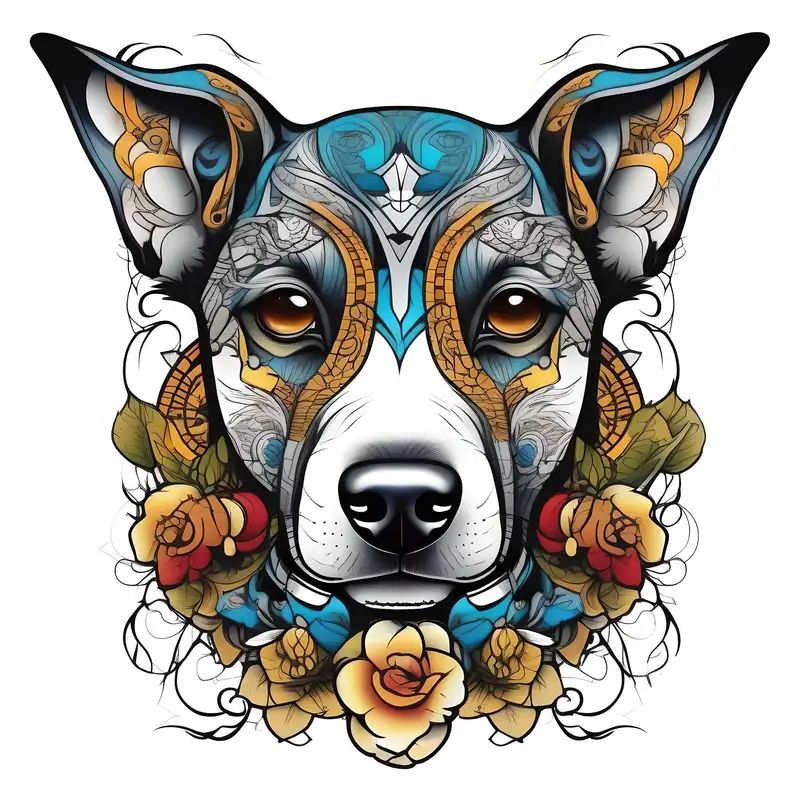
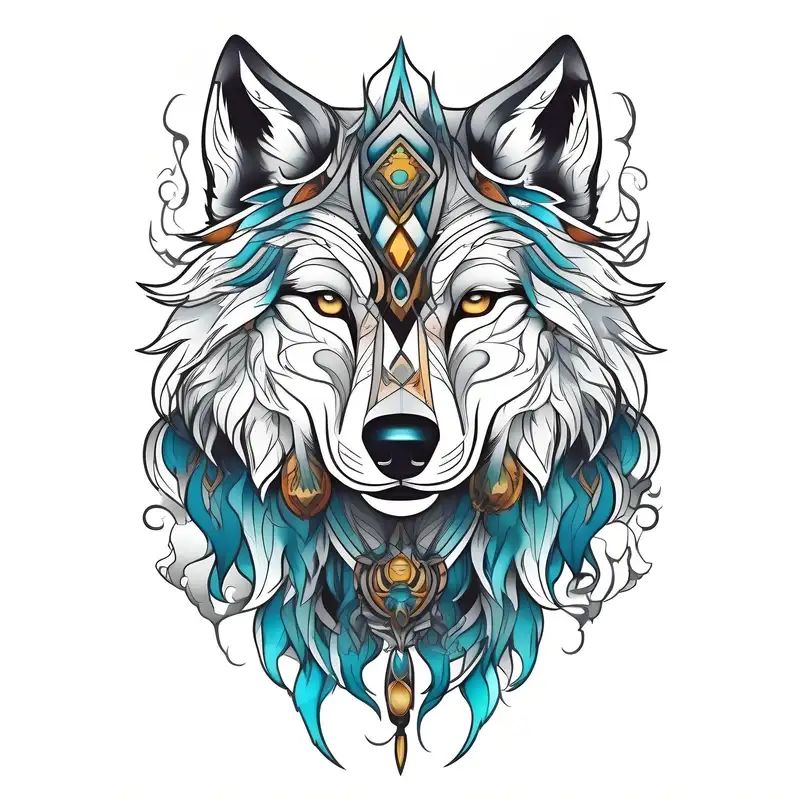
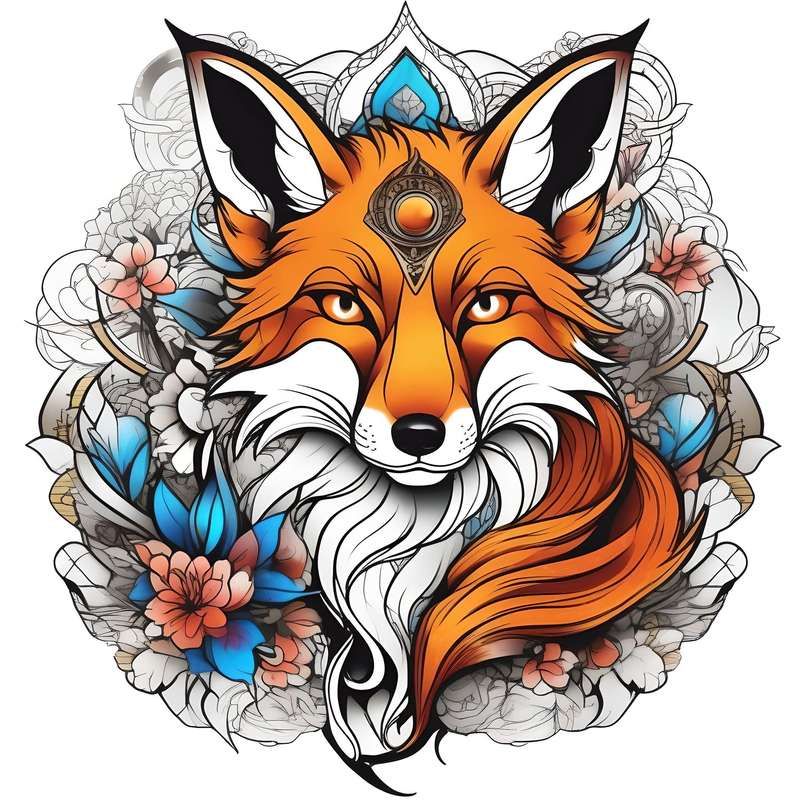
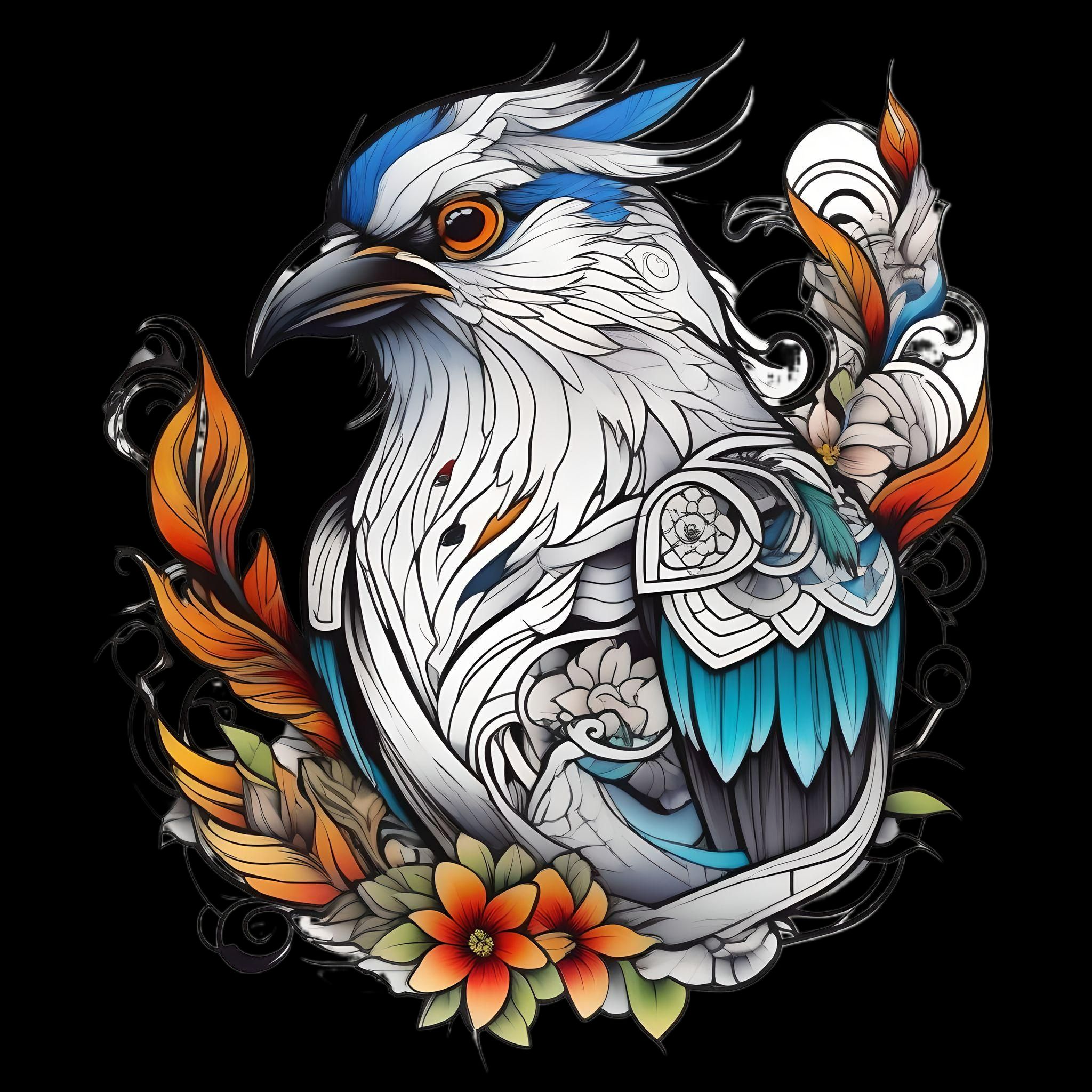
Start from a symbol, an animal, a quote or a memory. Try your idea in a few of the 18 tattoo styles, compare full-color and black-and-white versions, and give your tattoo artist a clear starting point.
How the AI tattoo generator works
Going from a first idea to a design you can discuss with an artist takes four steps.
Describe your idea
Write what you want in plain language, up to 1,500 characters: the main subject, the mood, any symbols or small details, and where on the body it will go. Stuck? The Random idea button fills in a suggestion, such as an elegant phoenix rising.
Choose a style and color
Pick one of 18 styles, such as Minimalist, Japanese or Watercolor, then Full color or Black and white. The same description can look completely different in another style, so try a few.
Generate your design
Each request creates one new design after an automatic content check. It is saved to your account and only appears in the public gallery if you choose to share it.
Refine and download
Compare the result with the previous one, adjust your wording or switch styles, and generate again until the concept feels right. Then download the image as a PNG to show your tattoo artist.
See how tattoo designs look on skin
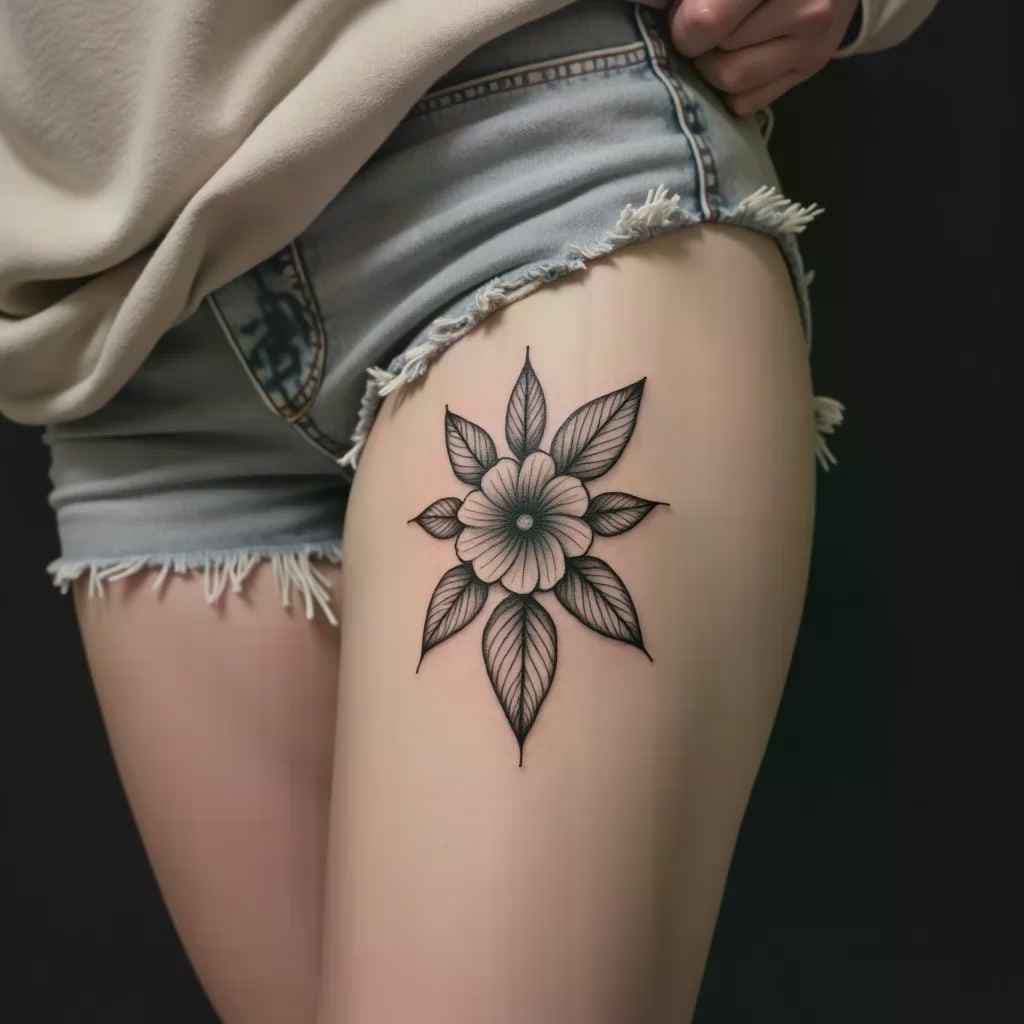
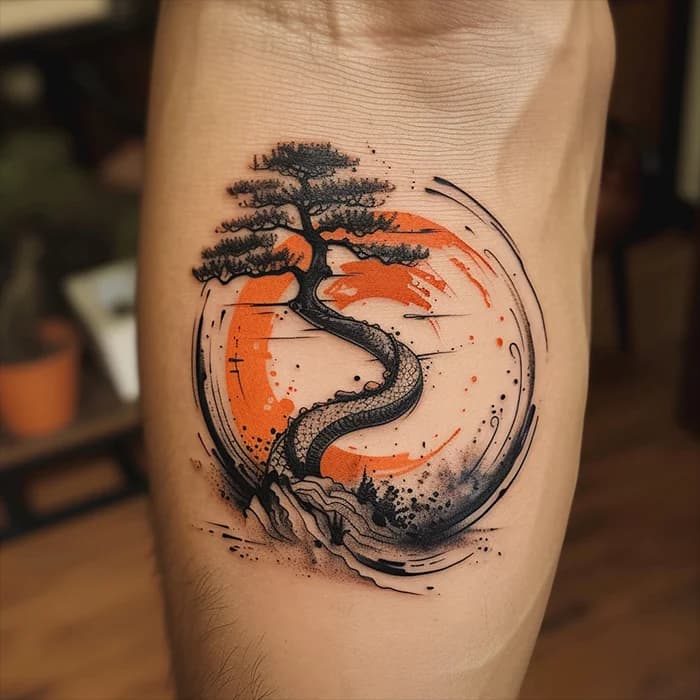
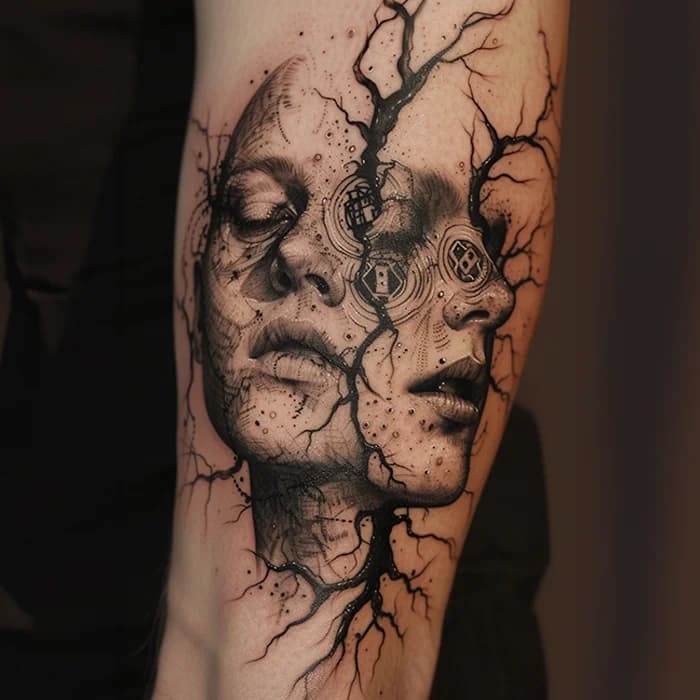
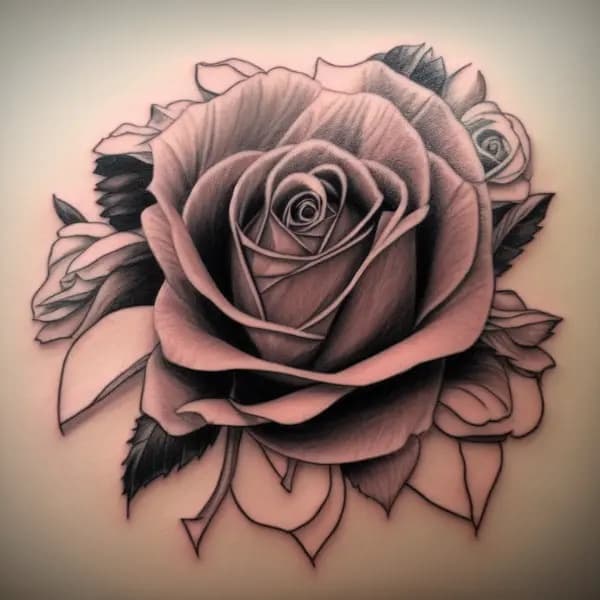
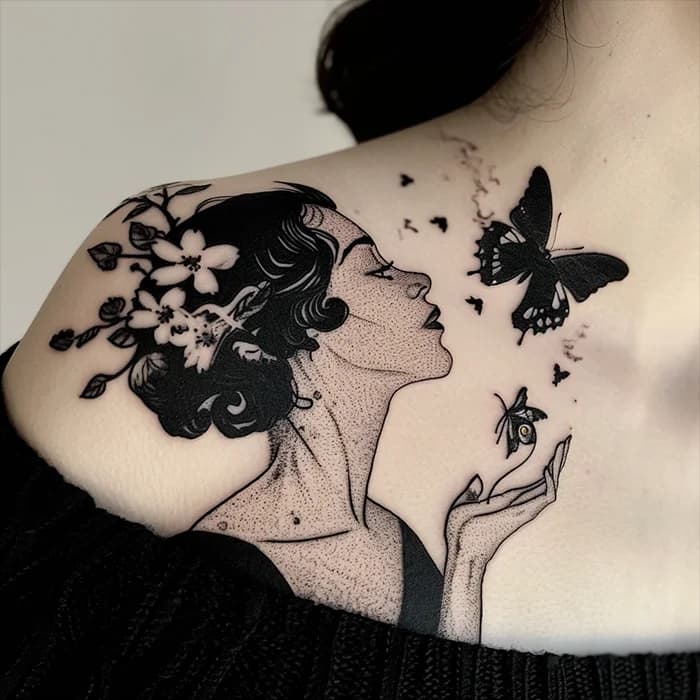
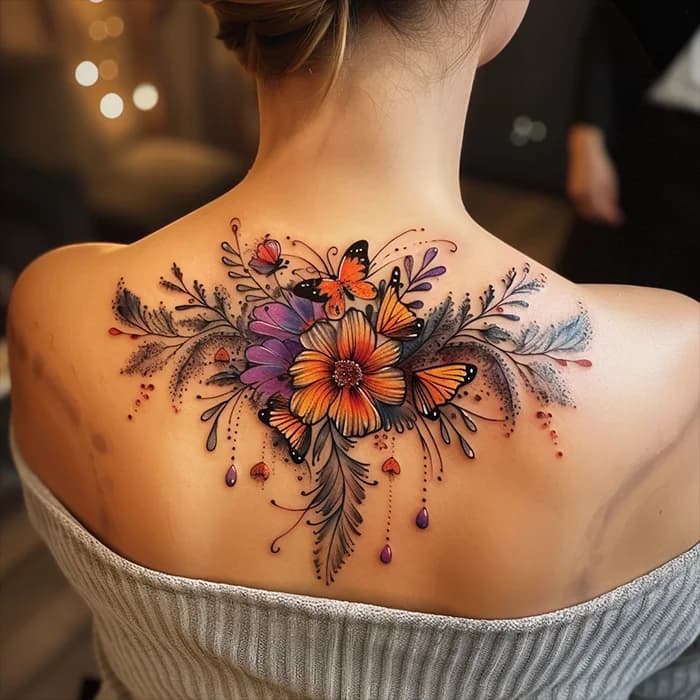
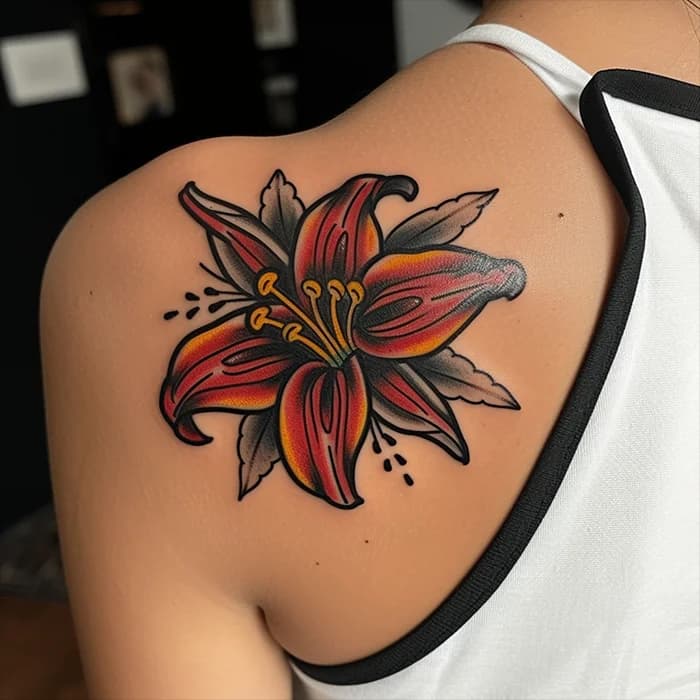
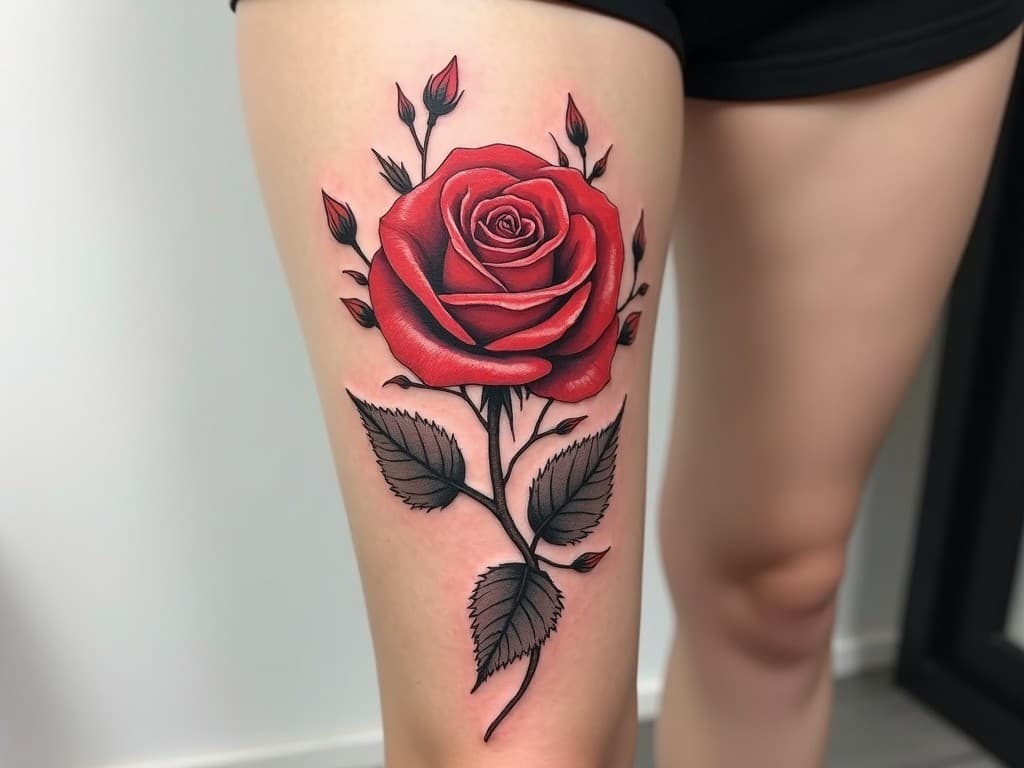
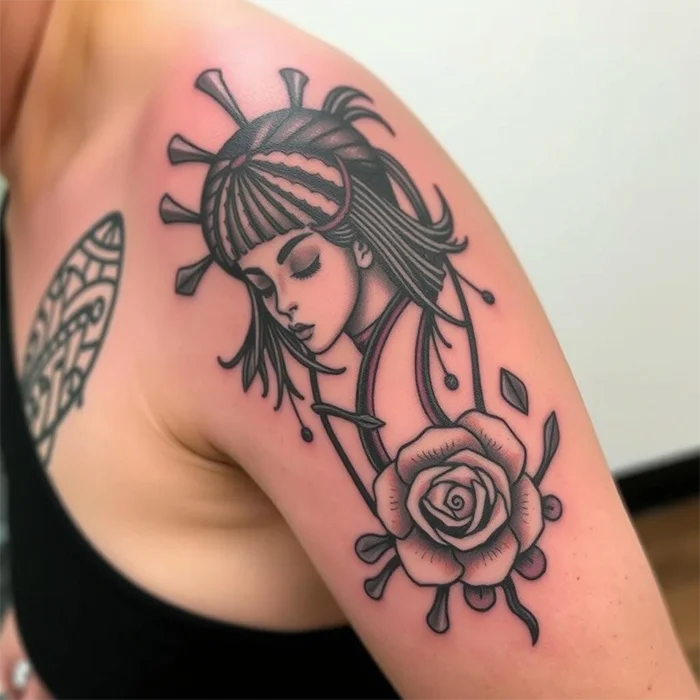
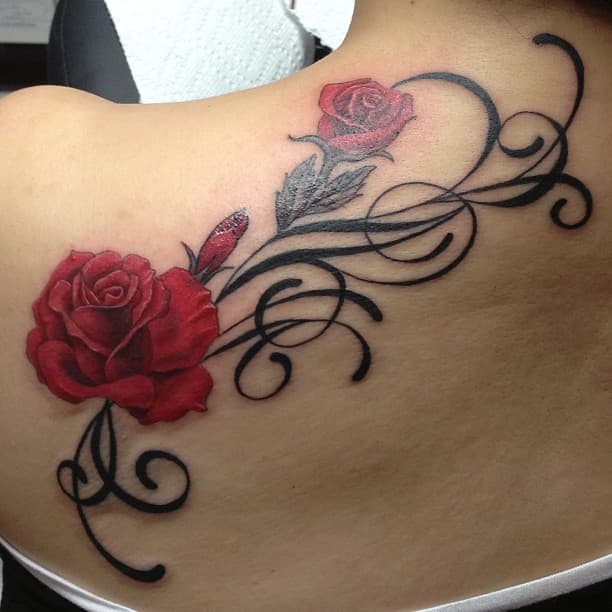
A design changes once it follows the curve of a thigh, forearm or shoulder blade. These examples show popular placements and styles, from fine-line flowers to bold, colorful florals.
Popular tattoo styles
Style decides how a tattoo reads from across the room and how it ages. Here are eight of the 18 styles in the generator, each with a gallery of public designs.
Minimalist
Clean, simple linework with plenty of open skin. Small symbols, outlines and fine-line details suit wrists, ankles and collarbones. Keep the idea simple: very fine details can blur together as a tattoo ages.
View designs →Blackwork
Bold, saturated black ink used for solid shapes, ornamental patterns and graphic illustrations. The strong contrast stays readable from a distance, and blackwork is often used for large pieces or to cover older tattoos.
View designs →Japanese
Rooted in traditional irezumi: koi, dragons, tigers, peonies and waves, arranged so the composition flows with the body. It shines on larger areas such as sleeves, thighs and back pieces, where the background ties everything together.
View designs →Old school
Also called American traditional: thick black outlines, a limited palette of red, green and yellow, and classic flash motifs like swallows, anchors, daggers and roses. It is designed to stay bold and legible for years.
View designs →Watercolor
Soft washes, gradients and paint splashes that imitate a brushstroke on paper. Many artists pair the color with a black outline or linework so the shape stays defined once the tattoo has settled.
View designs →Realistic
Photographic shading, depth and texture for portraits, animals and nature scenes. Realism needs room to hold its detail, so plan a medium or large size.
View designs →Geometric
Precise lines, symmetry and shapes such as triangles, hexagons, mandalas and sacred geometry. Geometric elements also combine well with animals or flowers, for example a wolf head built from facets.
View designs →Dotwork
Images built up from many small dots instead of solid shading, creating soft gradients and texture. It is a popular choice for mandalas, ornamental patterns and subtle, grainy shading.
View designs →
Popular tattoo ideas
Looking for a subject? Each of these pages collects public designs created with the generator, along with background on what the motif usually symbolizes.
Butterfly tattoos
Transformation and new beginnings, from fine-line outlines to watercolor wings.
Dragon tattoos
Power and protection, with Japanese, Chinese and tribal takes that wrap around an arm or back.
Rose tattoos
Love, loss and remembrance; a staple of old school flash and black-and-grey realism.
Lotus tattoos
Growth through hardship, with symmetrical petals that suit mandala and dotwork designs.
Wolf tattoos
Loyalty, family and instinct, often drawn in geometric or realistic styles, sometimes with a moon.
Lion tattoos
Courage and leadership; the mane gives realistic portraits a natural frame.
Phoenix tattoos
Rebirth and resilience, with sweeping wings and flames that fill a back or thigh.
Snake tattoos
Renewal and protection; a long body that can coil around a forearm or leg, or run along the spine.
Sunflower tattoos
Warmth, optimism and loyalty, in delicate linework or bright full color.
Koi fish tattoos
Perseverance, from the legend of the koi that swims up a waterfall and becomes a dragon.
Skull tattoos
A memento mori, often paired with roses, snakes or sugar-skull decoration.
Sleeve tattoos
Ideas for combining several motifs into one full- or half-sleeve composition.
Tips before you get inked
An AI concept is a starting point. A few decisions made early make the conversation with your artist easier and the result better.
Decide on placement first
The same design reads differently on a forearm, ribs or calf, because each area has its own shape and movement. Think about how visible you want the tattoo to be day to day, and mention the placement in your description so the composition fits it, for example a tall, narrow layout for a forearm.
Match the size to the level of detail
Small tattoos can't hold tiny details, text or many overlapping elements. If a generated design is busy, either plan a larger size or ask for a simpler version with fewer elements and bolder lines.
Compare color and black and white
Generate the same description in both color modes before deciding, and ask your artist how the colors you like are likely to hold up on your skin.
Double-check words, dates and symbols
AI images can misspell lettering, invent characters or mix up details. Verify every word and number, and confirm the meaning of any foreign script or cultural symbol with a reliable source before it goes on your skin.
Work with a professional tattoo artist
Bring your design as a reference, not a finished stencil. Choose an artist whose portfolio matches the style you want, and follow their aftercare instructions.
Frequently asked questions
What does the AI tattoo generator do?
It turns a written description into an original tattoo concept in the style and color mode you choose. The results are meant as inspiration and a reference for your artist, not as ready-made stencils.
Is it free to use?
Browsing tattoo ideas, style galleries and the public Explore gallery is free and does not require an account. To create new designs, sign in with Google: every account gets 10 free designs a day. Free designs are also capped across the whole site each day, so on busy days they can run out before they reset at 00:00 UTC. Paid plans will open once payment setup is complete; the Pricing page shows their current status.
Which tattoo styles and colors can I choose?
There are 18 styles: Geometric, Cartoon, Watercolor, Black and white, Old school, Minimalist, Realistic, Surreal, Blackwork, Japanese, Tribal, Dotwork, Lettering, Sketch, Portrait, Biomechanical, Abstract and 3D. Each can be generated in Full color or Black and white, and you can add more direction in your description, such as “fine line” or “with a crescent moon”.
Can I take an AI design to my tattoo artist?
Yes, that is what the designs are for. Download the image and share it with your artist, who will usually redraw it, adjusting line weight, size and layout for your skin and placement. See our Terms of Service for the conditions that apply to generated images.
Are my designs public?
Only if you tick the option to share publicly before generating; designs are unlisted by default. Unlisted designs stay out of Explore and public design pages, but anyone with the direct link to an image can still open it, so avoid putting personal or sensitive details in your descriptions.
What happens if I close the page while a design is generating?
Nothing is lost. Generation runs in the background and the finished image is saved to your account automatically. When you come back to the generator signed in, your latest result is restored. You can have one generation in progress at a time and start up to three new requests per minute.
Why was my description rejected?
Every description is screened automatically before an image is generated. Requests for explicit, hateful or violent content, deepfakes of real people, or material that infringes someone else's rights are declined. Rephrase your description, and see the Acceptable Use Policy for the full rules.
Will my tattoo design be unique?
Each image is generated from scratch for your description, so you won't receive a copy of an existing gallery design. Similar descriptions can still lead to similar ideas, so ask your artist to help make the final piece personal to you.
Ready to design your next tattoo?
Start with a sentence, try a few styles, and walk into your consultation with a clear idea of what you want.
Tattoo Ideas AI is an independent service that uses third-party image models. It is not affiliated with or endorsed by their creators. Designs are AI-generated concepts, not tattooing services. Content rules apply.